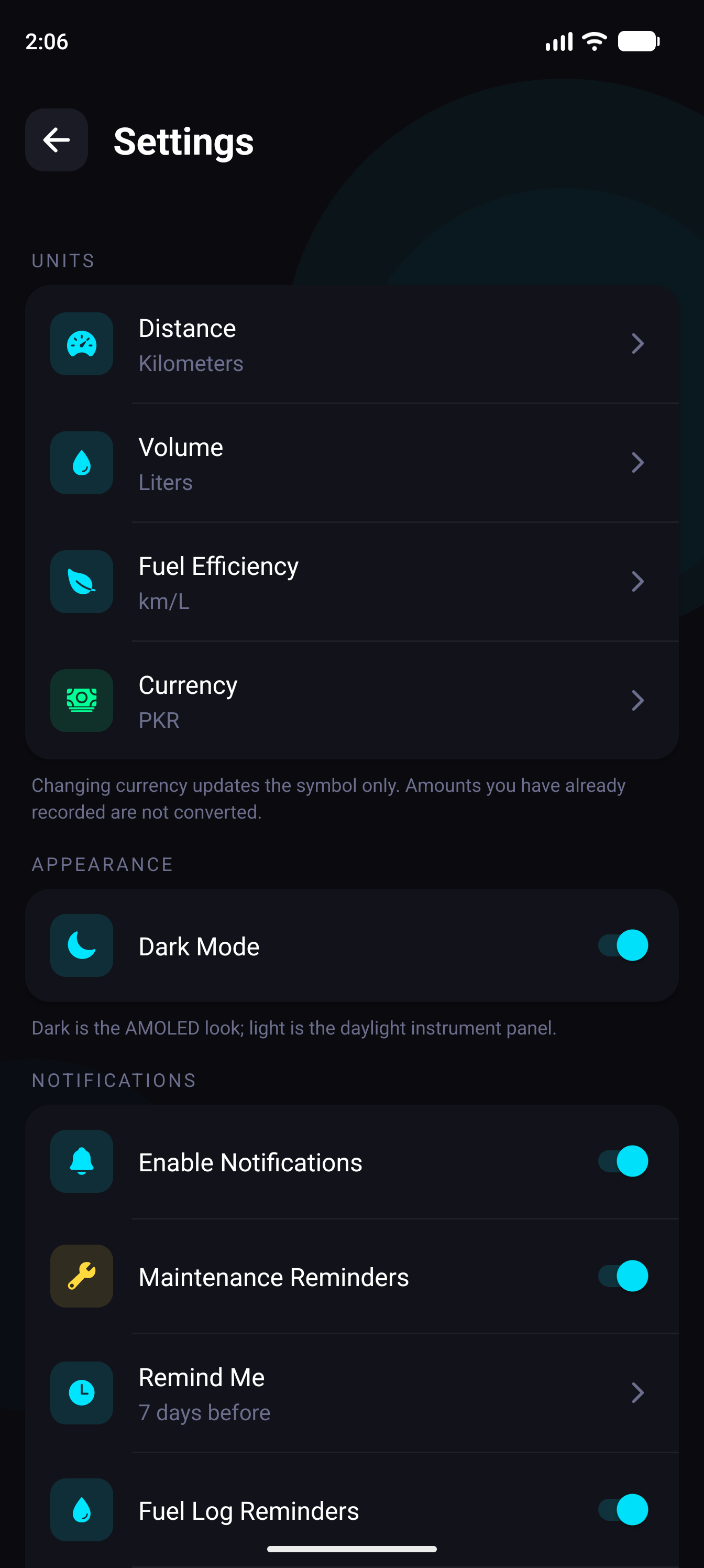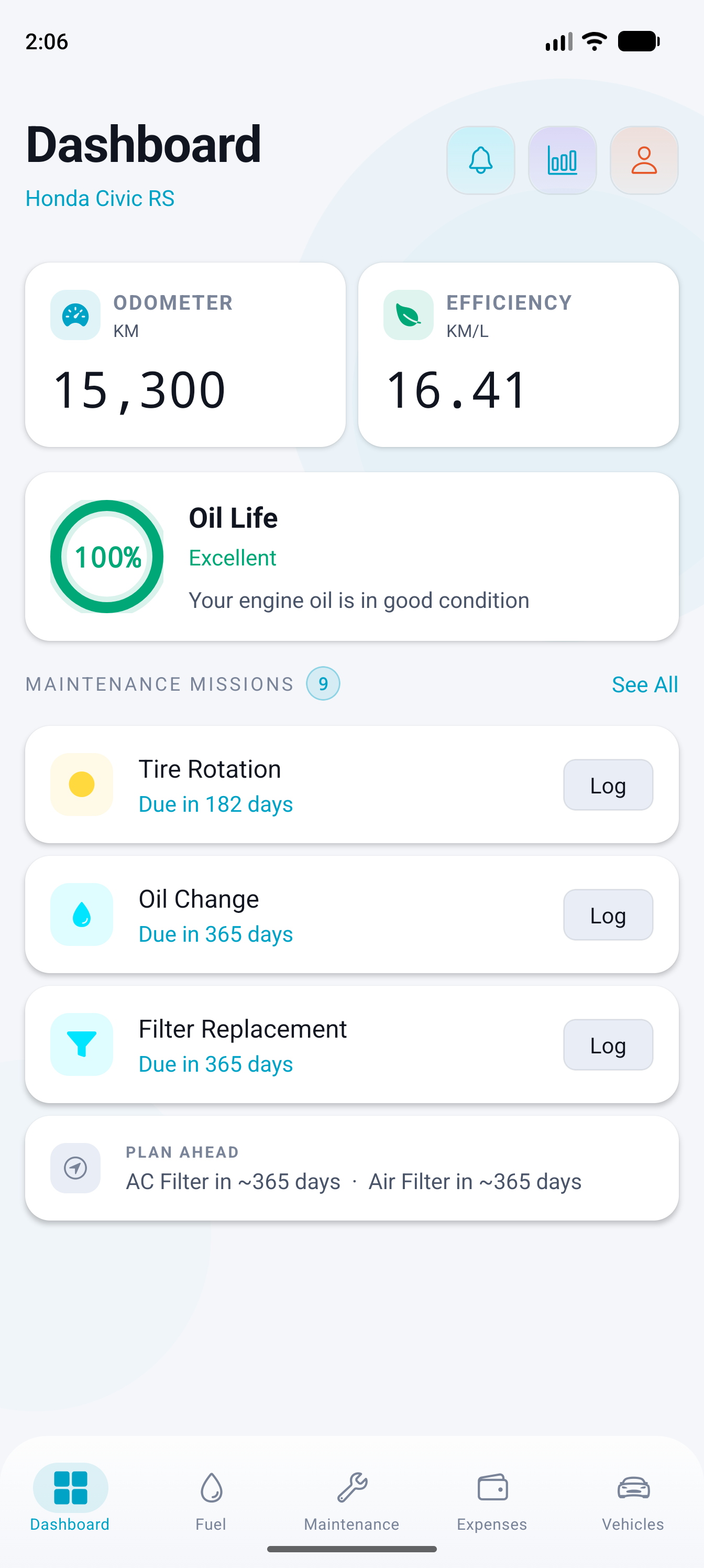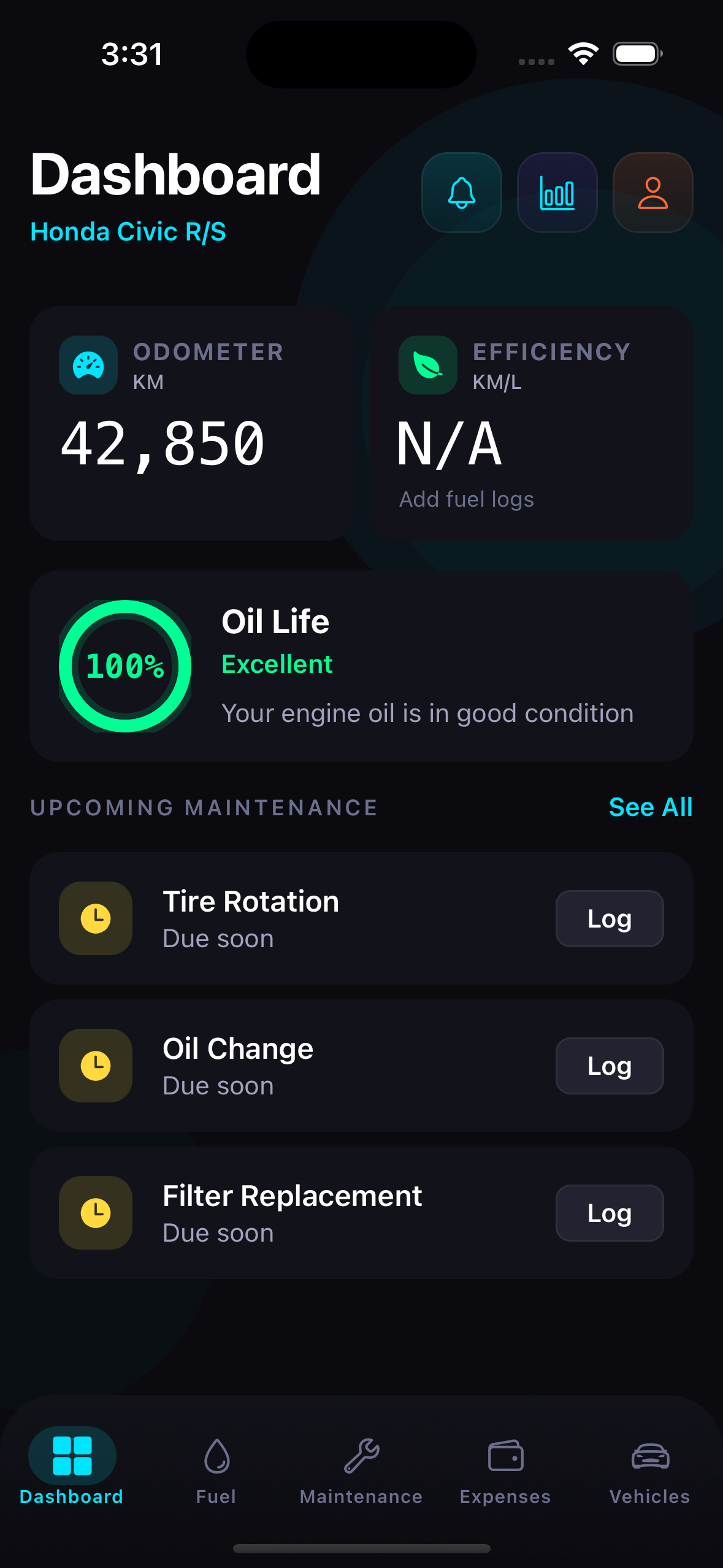
Car Logs v1.0.0
Vehicle Utility

Offline Vehicle Maintenance & Mileage Ledger

Keeps an encrypted, deterministic service history for all your vehicles on-device. Log fill-ups, audit fuel economy trends, track oil-life, and calculate true depreciation without cloud sync or user accounts.

Architected for Speed & Absolute Privacy

Runs deterministic operations directly on your physical hardware without remote data broker tracking or subscription lock-ins.

Fuel Economy & Mileage Engine

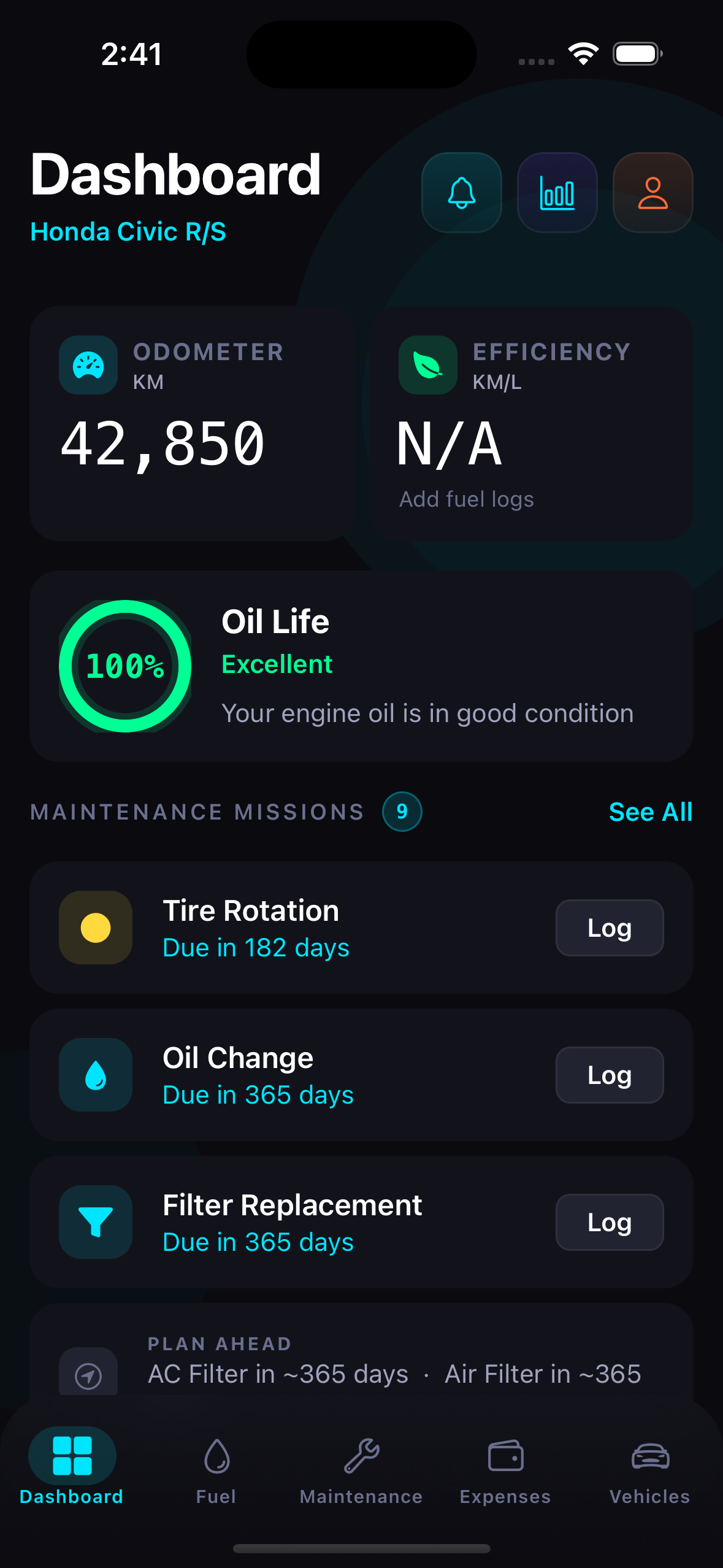
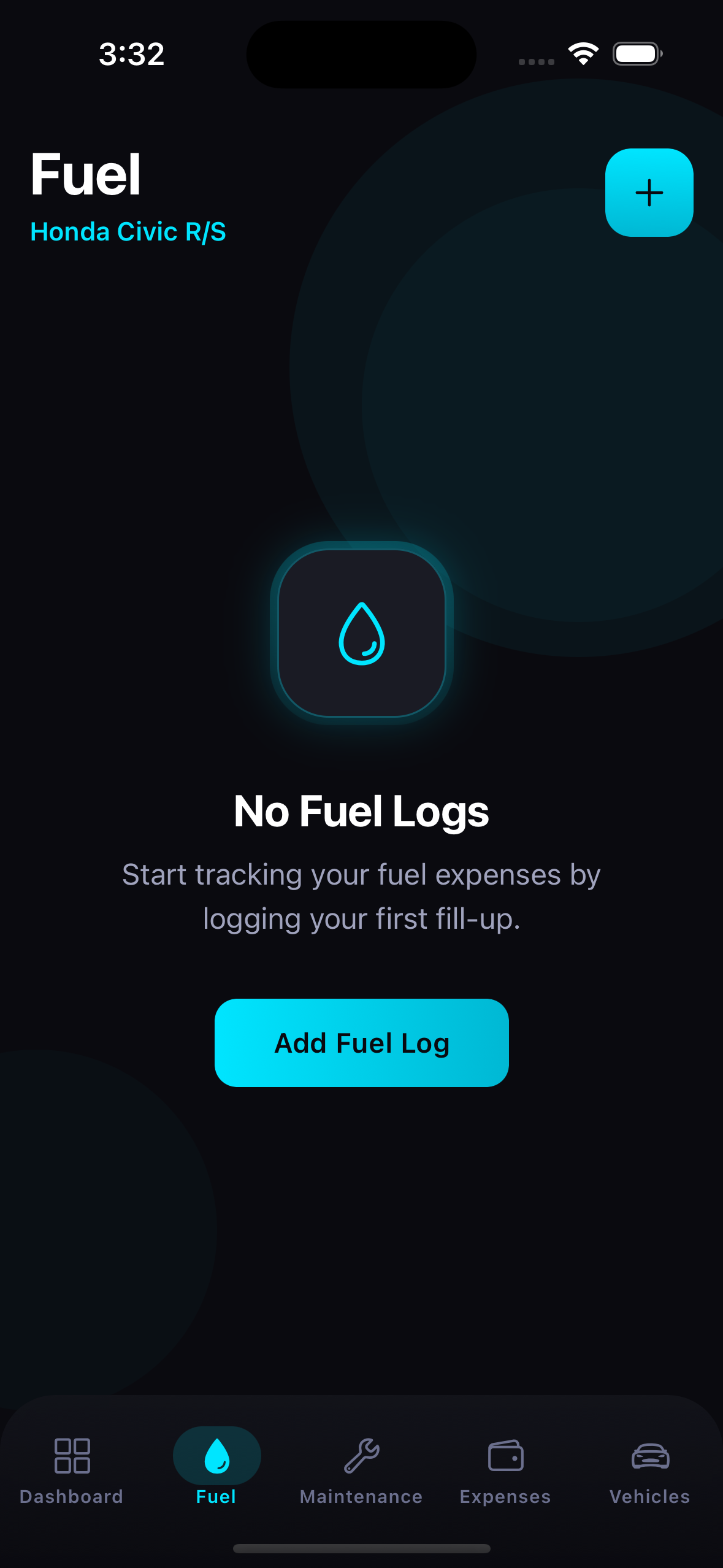
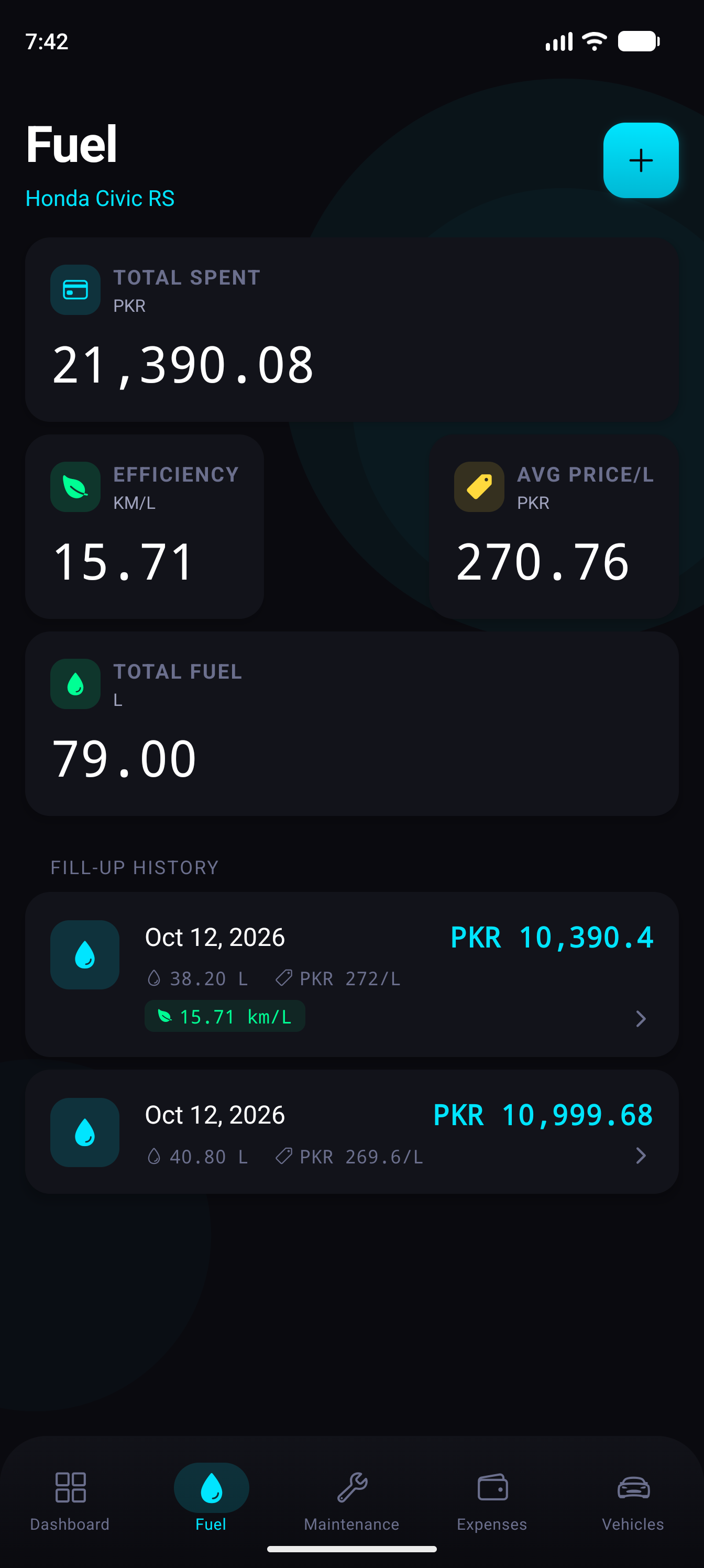
Log fill-up liters, cost per unit, and odometer readings. Auto-calculates rolling efficiency (km/L & L/100km) and historical price fluctuations.

Oil-Life & Service Health Ring

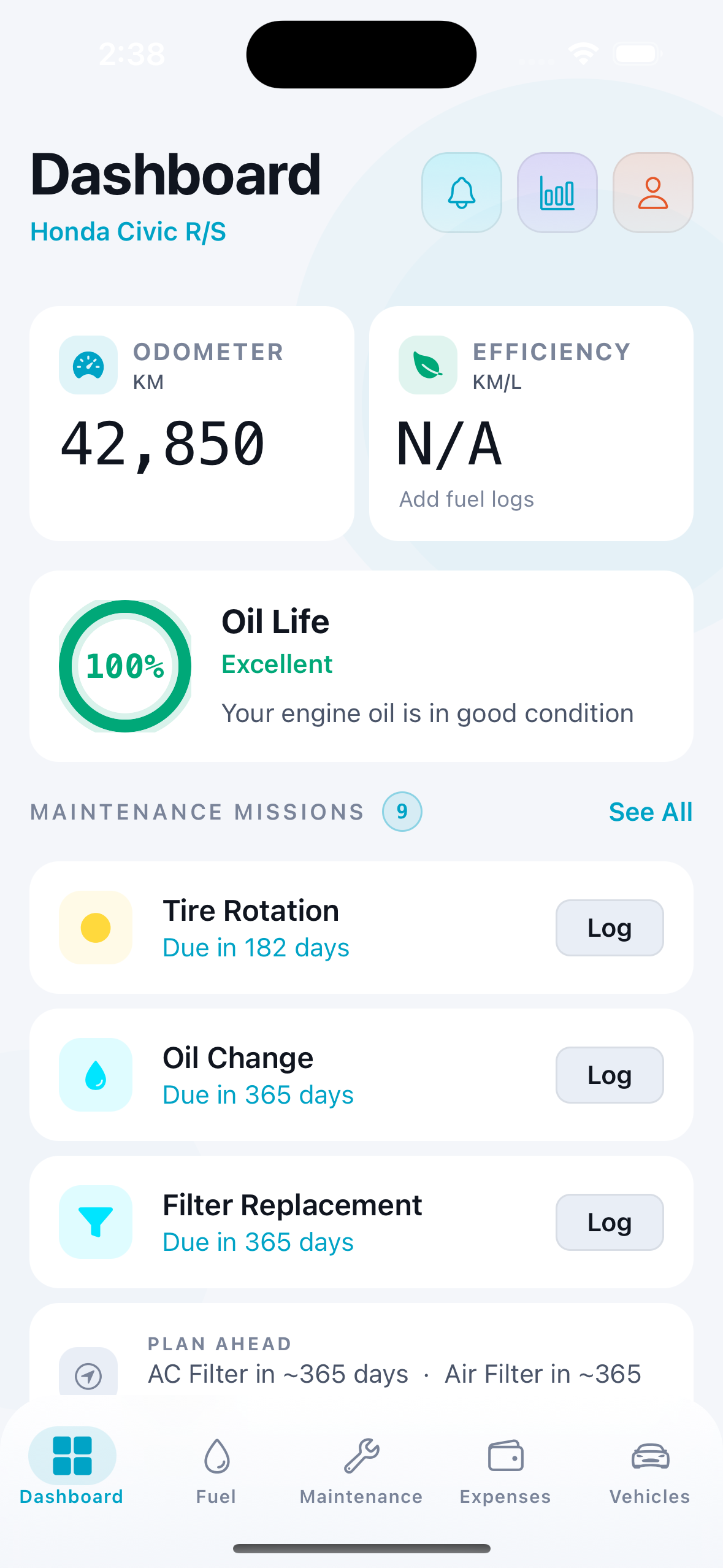
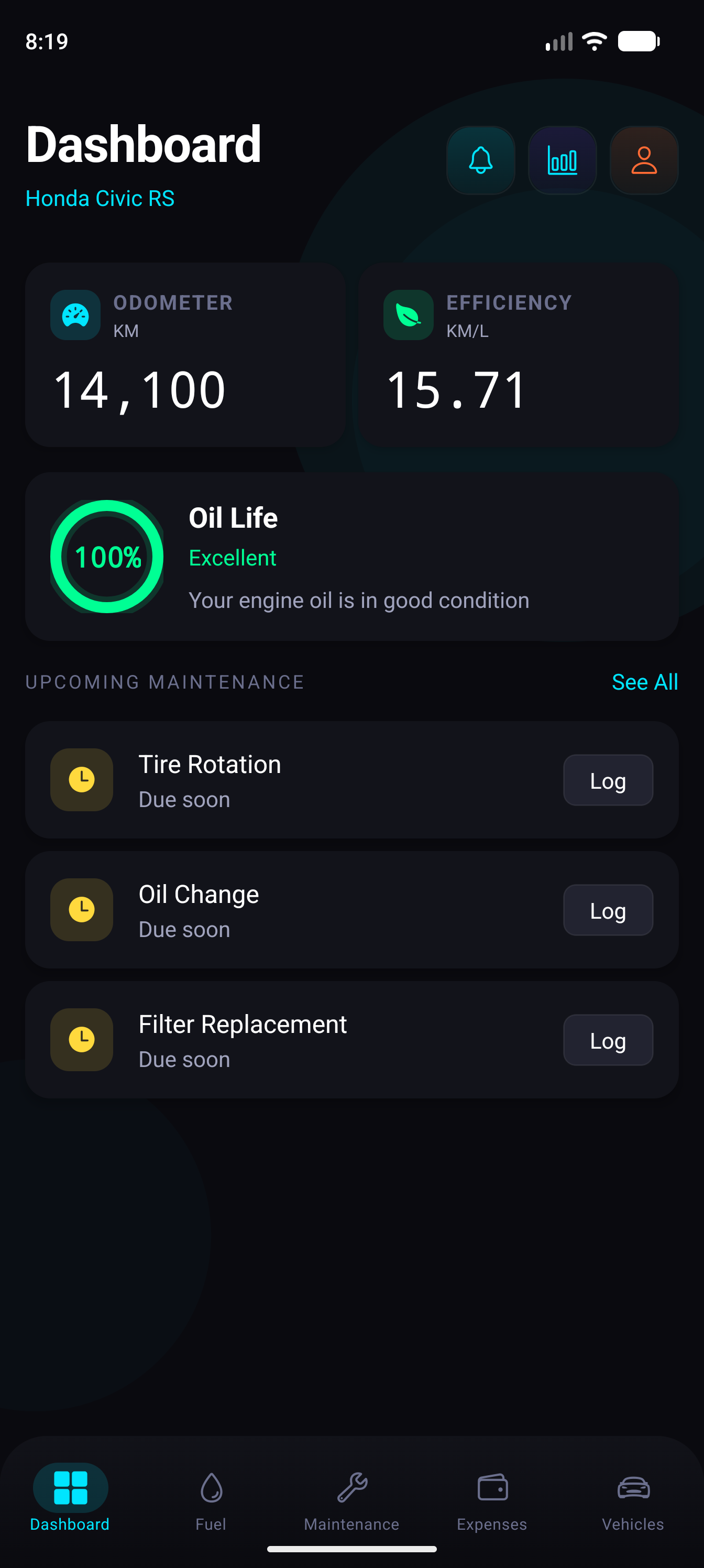
Visual degradation ring for oil changes, tire rotations, brake pads, and cabin filters with one-tap logging directly from home shortcuts.

100% Offline SQLite Ledger

All records live entirely on your device with zero remote server calls. Full JSON data portability with import/export safeguards.

Technical Specifications

Deterministic build targets, native storage engines, and strict privacy boundaries.

Target Platform Android 8.0+ & iOS 15+
UI Architecture React Native 0.76 • Expo SDK 52
Database Engine Local SQLite (expo-sqlite)
Cloud Footprint 0 KB network traffic • 100% Offline
Data Export Deterministic JSON backup
Package Identifier com.djc.carlogs

4 Design Language Directions

Evaluate the four consistent design languages for Car Logs. Compare icon geometry, splash boot choreography, and in-app tactile UI tokens, then select your preferred direction.

Swiss Typographic Clean

Minimal Precision

Monochrome slate backdrop with ice-cyan accents, delicate borderlines, and razor-sharp typographic data hierarchy.

App Icon Style
Clean hairline car silhouette with an understated circular mileage tick.
Splash / Loading Screen
Car Logs
Crisp white/graphite canvas with centered vehicle contour line and a calm hairline progress indicator.
In-App UI Language
  • Hairline 1px border cards with zero heavy drop shadows
  • Generous whitespace and neutral slate surfaces
  • Plus Jakarta Sans typography with subtle micro-transitions
OBD-II Diagnostic CLI

Terminal Cyber

Retro automotive diagnostic scanner aesthetic: pitch black canvas, phosphor green/cyan readings, and monospace telemetry tables.

App Icon Style
>_
ASCII automotive gauge glyph '[ODB: OK]' with a retro matrix square enclosure.
Splash / Loading Screen
[SYS_BOOT 2026]
> LOAD: car-logs
> AUTH: ZERO_TRACK
> STATUS: OK _
Black ECU terminal boot sequence: '[CANBUS] Link 500kbps', '[DB] SQLite Ready', blinking block cursor.
In-App UI Language
  • JetBrains Mono monospaced typography throughout
  • 0px border radius, sharp console prompt containers
  • High-contrast phosphor accents on deep pitch black
High-Contrast Pop Garage

Neobrutalism

Bold 2.5px solid black borders, punchy automotive cyan fills, vintage yellow badges, and hard 4px drop shadows.

App Icon Style
Chunky black-stroked retro coupe with cyan bodywork, white tires, and hard 4px black shadow.
Splash / Loading Screen
Car Logs
Bold warm cream screen with a thick-bordered garage sign badge and bouncy square loading bricks.
In-App UI Language
  • Heavy 2px black outlines and hard offset drop shadows
  • Saturated color block badges with bold pill labels
  • Tactile mechanical depress button transitions
Obsidian Telemetry Bento

Fintech Bento

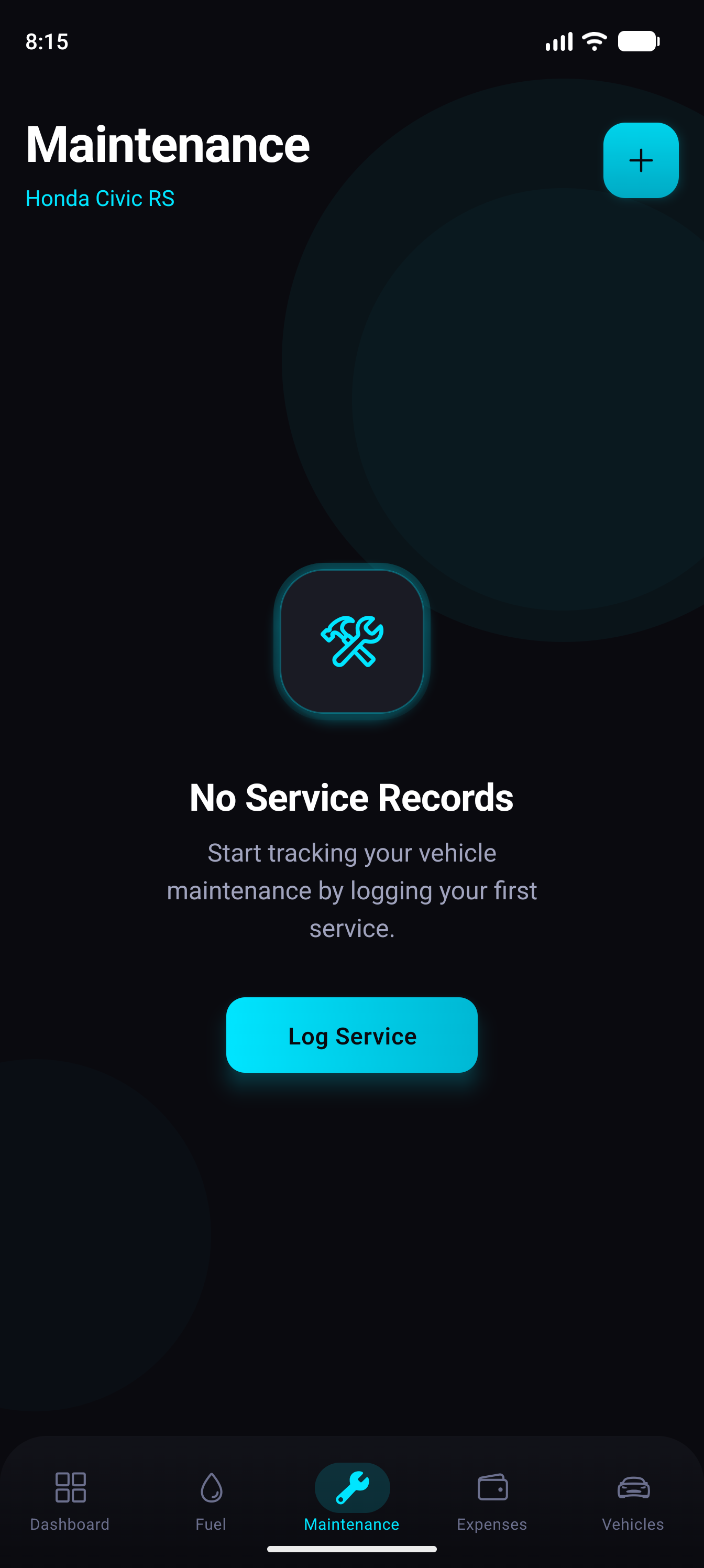
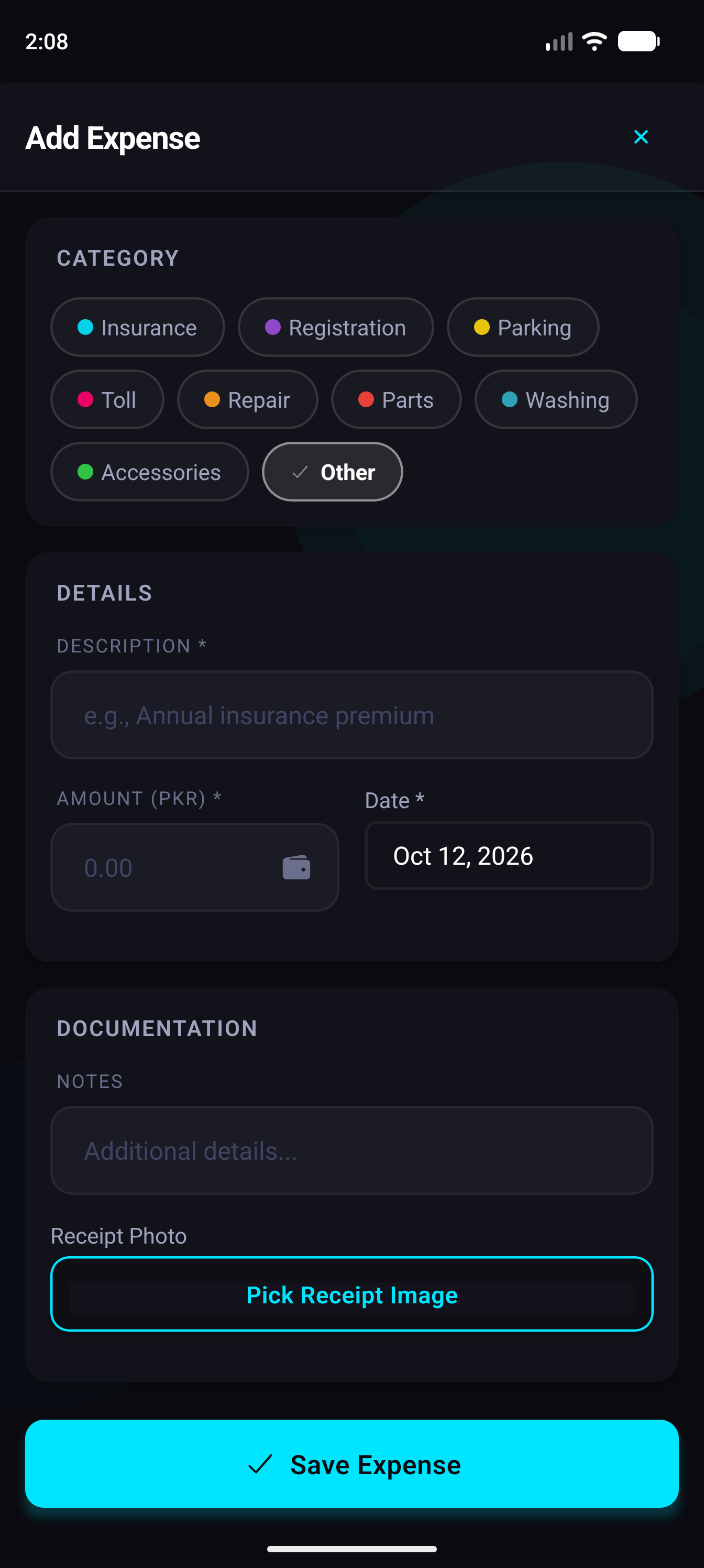
Deep obsidian backdrop, glowing cyan radial speed dials, frosted glass summary cards, and premium metallic accents.

App Icon Style
Iridescent electric-cyan speed gauge icon set within frosted dark glass with subtle neon rim.
Splash / Loading Screen
Car Logs
Deep midnight obsidian gradient with glowing cyan speedometer sweep and metallic shimmer loader.
In-App UI Language
  • Bento grid layout with translucent frosted glass tiles
  • Luminous neon accent glows and sleek status dots
  • High-tier dark obsidian gradient aesthetic

Support & Regulatory Requests

Need technical assistance, data deletion audit receipts, or have questions about Car Logs? Contact the engineering team: